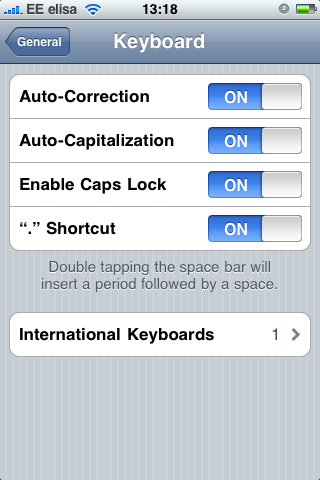
How to enable Caps Lock on original first generation iPhone
 Those of you wondering on how to enable Caps Lock feature on iPhone, here's a quick rundown:
- Turn on Caps Lock from the Settings > General > Enable Caps Lock:
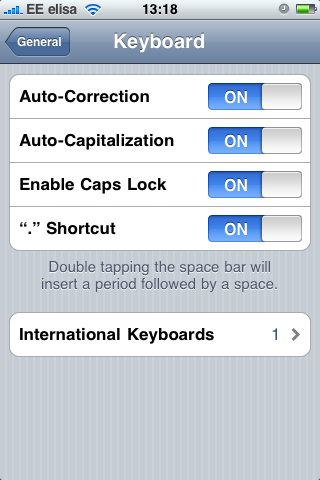
- Return to your application, double-tap Shift so it turns blue and there you have the Caps Lock in iPhone: